Getting Started
Set up in 2 minutes. Start checking in today.
Download & Sign In
Download I'm Alive from the App Store or Google Play. Sign in with Apple Sign-In (recommended — fastest) or enter your email for a one-time code.
Tip: Apple Sign-In is the easiest. If using email, check your spam folder for the verification code.
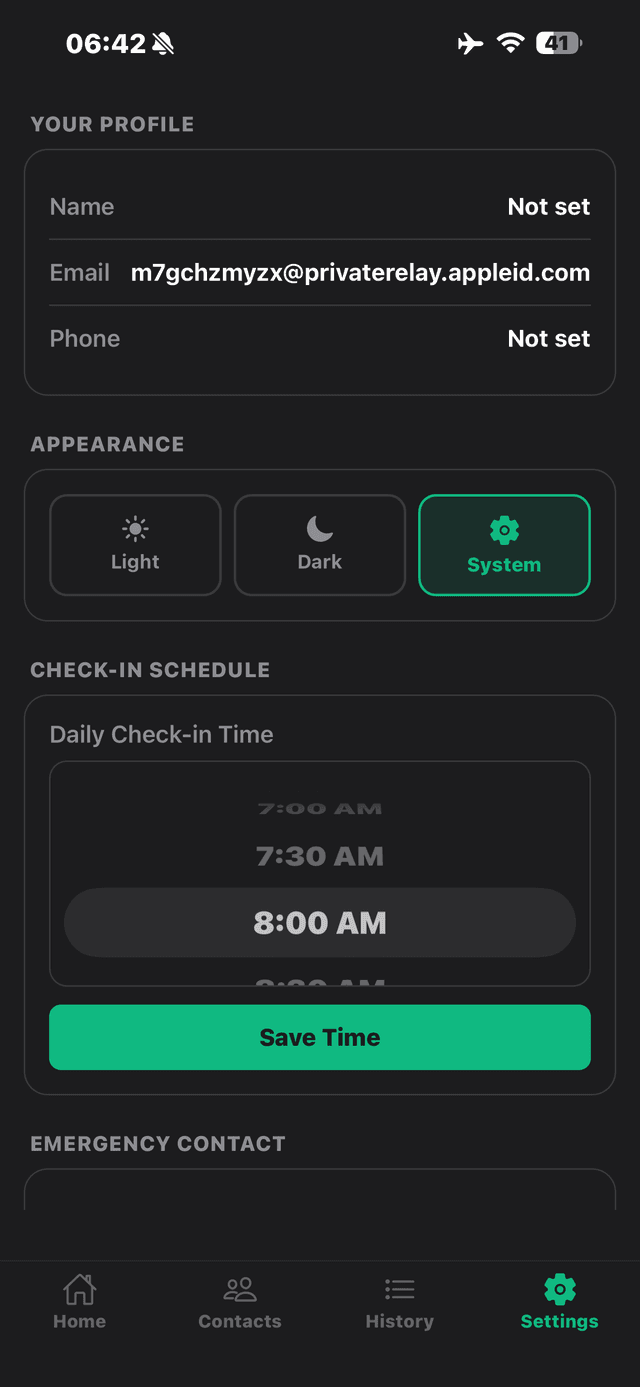
Set Your Name
Your name is what your emergency contact sees — "Mum checked in" or "Daniel checked in". Go to Settings to set it.
Tip: Apple Sign-In doesn't always share your name with apps. You may need to enter it manually in Settings.
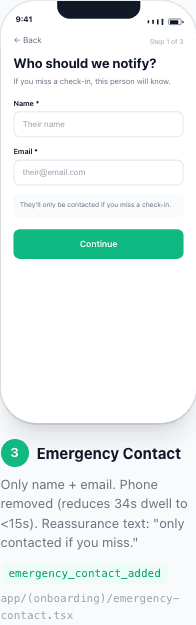
Add Your Emergency Contact
Go to the Contacts tab and add someone you trust — a family member, friend, or neighbour. Enter their name, email, and phone number (with country code, e.g., +447...).
Tip: They'll receive an invite email. If they download the app too, they can see your status on the Guardian Dashboard.
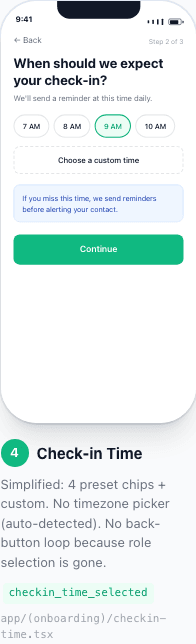
Set Your Check-In Time
Choose a time that fits your routine — after morning tea, before lunch, whenever works for you. This is when you'll get your daily reminder.
Tip: Your timezone is auto-detected. If you see the wrong timezone, try closing and reopening the app.
Allow Notifications
When prompted, tap "Allow" for push notifications. This is how you'll get your daily check-in reminder — without it, you'll need to remember to open the app.
Your Daily Routine (2 seconds)
Notification arrives → Tap "I'm Okay" → Done. Your contact knows you're safe.